
Tojay App & APK

Download The Tojay App

The Tojay app is a compact Android build — around 25 MB — that puts the whole slot library, your wallet and live support one tap from your home screen. This page walks you through installing the latest Tojay APK safely, from enabling the right Android setting to verifying you have the genuine file.

Join Telegram Group

Update notices and the verified APK link are pinned in our Telegram group.

Version
4.2.1
File size
~25 MB
Android
6.0 and above
iOS
12 and above
Price
Free
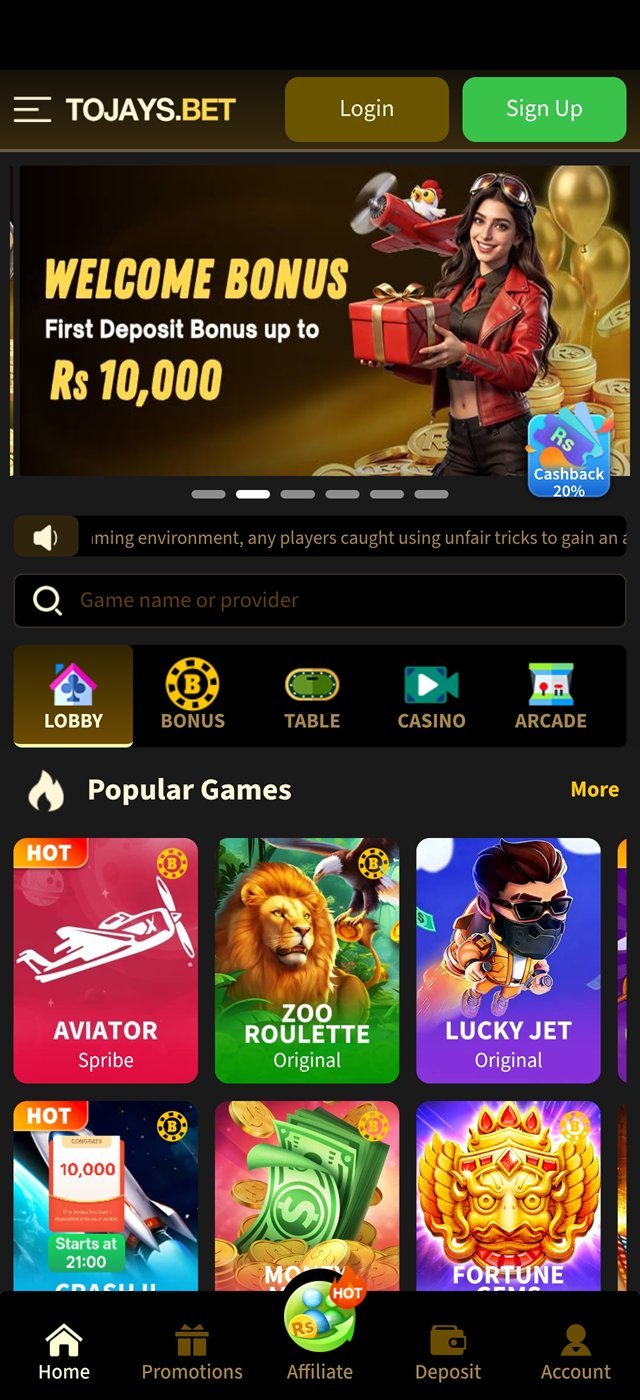
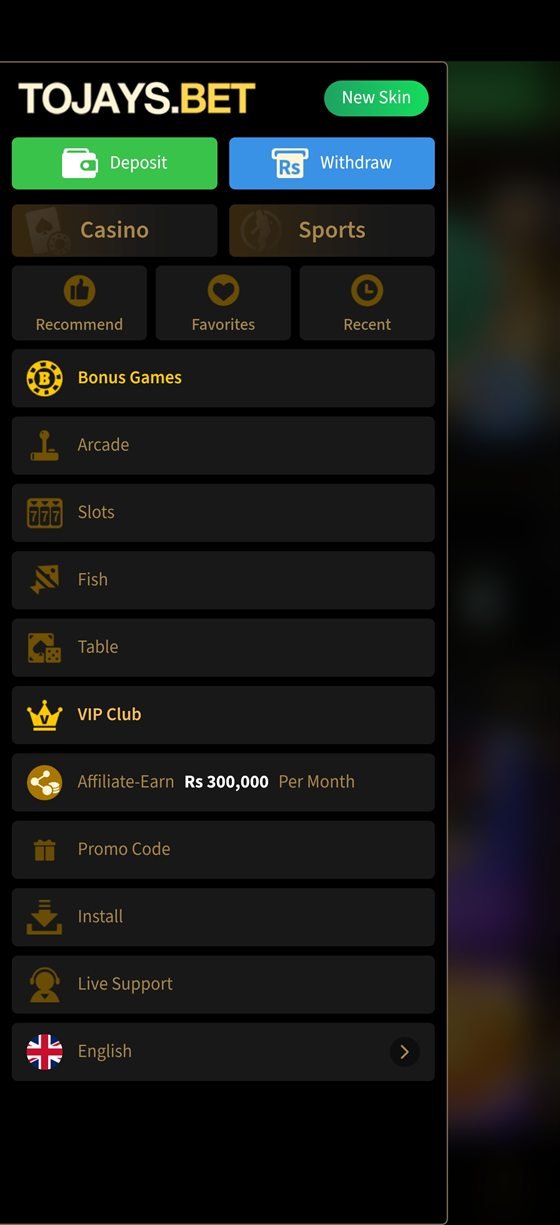
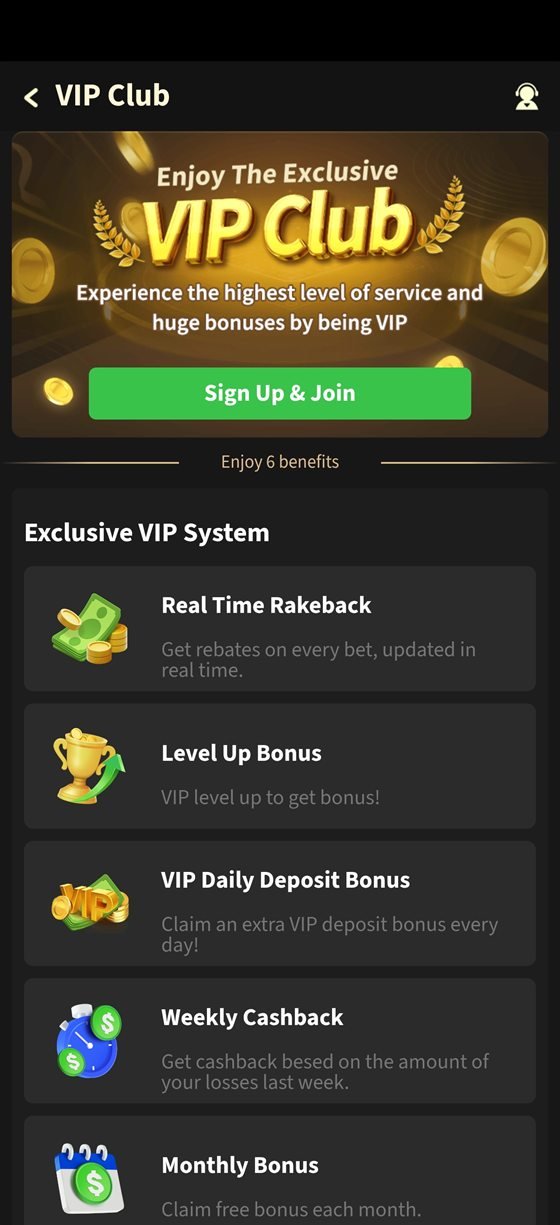
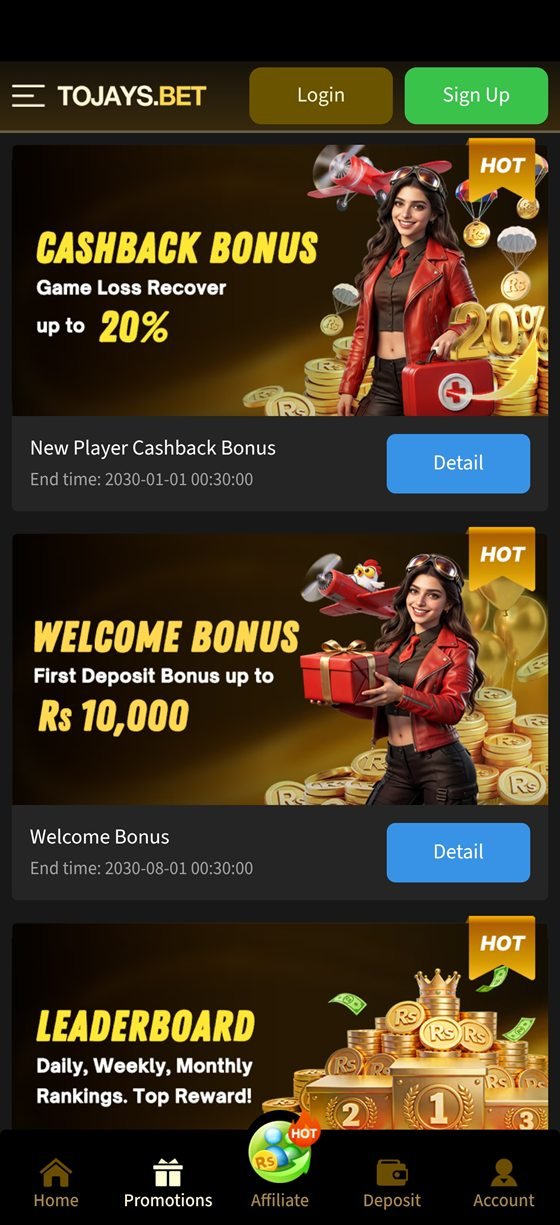
Tojay app home screen with the welcome bonus banner Tojay app main menu showing the Install option Tojay app VIP club screen with loyalty rewards Tojay app promotions screen with bonus offers
25 MB only Official build v4.2.1

Pick Your Device

Three Ways To Play

Android gets a native APK, iPhone gets a home-screen web app, and any desktop browser works without installing anything. All three sign into the same account and the same balance.

Android

Android 6.0+ · 25 MB · Free

The full native experience: fastest lobby loading, push notifications for bonus drops, and offline-cached assets so the app opens instantly on a weak connection. Installed from the official APK rather than the Play Store, which does not list real-money gaming apps in Pakistan.

Download APK

iPhone & iPad

iOS 12+ · No App Store needed

Open the lobby in Safari, tap the Share icon, then "Add to Home Screen". iOS installs it as a progressive web app with its own icon, full-screen chrome and automatic updates — no sideloading, no profiles, nothing to trust beyond Safari itself.

Open In Safari

Desktop

Chrome, Edge, Firefox, Safari

Nothing to install at all. The browser lobby is fully featured on desktop, with a larger game grid and the same wallet and promotions. Useful if you would rather not keep a gaming app on your phone at all — a genuinely sensible choice for some players.

Play In Browser

Step By Step

Installing The Tojay APK On Android

Android blocks apps from outside the Play Store by default. That protection is a good thing — you just need to grant a one-time exception to your browser. Here is the whole process, with nothing skipped.

Allow installs from your browser

Open Settings → Apps → Special app access → Install unknown apps, choose the browser you will download with (usually Chrome), and turn on Allow from this source. On older Android versions the setting lives at Settings → Security → Unknown sources.

You are granting permission to one specific app, not opening your phone up in general. You can switch it back off after installing, and the Tojay app will keep working normally.

Download the official APK

Tap the download button on this page. Your browser may warn you that this type of file can harm your device — that is Android's standard message for every APK, not a verdict on this one. Choose Download anyway and wait for the file to finish.

Roughly 25 MB — under a minute on 4G

Open the file and install

Tap the download notification, or find the file in Files → Downloads. Press Install and wait about twenty seconds. If Play Protect asks to scan the app, let it — a legitimate build passes without issue.

Verify the version

Open the app and check Settings → About. The version number should match the one listed at the top of this page. If it does not, uninstall immediately and download again from the official link — a mismatched build is the clearest sign of a repackaged APK.

Never install a Tojay APK sent to you in a private message, forwarded from an unofficial group, or downloaded from a file-sharing mirror. Modified builds are the single most common way players lose account access.

Register and secure your account

Sign up with your own mobile number and a password you do not use anywhere else. Enter your real name — it must match the wallet or bank account you will later withdraw to, or payouts will be held.

Deposit, opt in, and set a limit

Fund the account through Easypaisa, JazzCash, bank transfer or USDT, and tick the welcome offer checkbox before completing the deposit — it cannot be applied afterwards. Then open account settings and set a deposit limit while you are still thinking clearly.

You are ready to play

Will It Run On My Phone?

Device Requirements

Almost certainly yes. The Tojay app was built for mid-range Android hardware on mobile data — not for flagship phones on fibre. If your handset can run WhatsApp and YouTube, it can run this.

Minimum and recommended device requirements
RequirementMinimumRecommended
Android version6.0 Marshmallow10 or newer
iOS version12.015 or newer
RAM2 GB4 GB or more
Free storage150 MB400 MB
Connection3G4G / LTE or Wi-Fi
Screen720 × 12801080 × 2400

Data use is modest — roughly 15 to 40 MB per hour of play, depending on how graphically heavy the slots you choose are. Bonus-buy and cascading titles sit at the higher end.

What the app can access

  • Storage — to cache game assets so the lobby opens quickly
  • Notifications — optional, for bonus and payout alerts
  • Network state — to detect connection drops mid-spin

It does not need your contacts, your camera, your microphone or your location. If a build asks for any of those, it is not the official app — remove it.

Keeping it updated

The app checks for updates on launch and prompts you when a new build is available. Installing over the top preserves your login and settings — you never need to uninstall first. Update announcements are also posted in the Telegram community channel.

Version History

What Changed In The Tojay New App

Recent releases, so you can see whether an update is worth installing today or can wait until the weekend.

v4.2.1Current release
  • Faster lobby loading on 3G and congested networks
  • New slot category filters matching the studio taxonomy
  • Withdrawal status now shows a live progress indicator
  • Fixed a rare crash when resuming a game after a call
v4.1.0Previous
  • Added NayaPay and SadaPay as deposit methods
  • Deposit limit controls moved to the top of account settings
  • Reduced install size by roughly 4 MB
  • Urdu interface strings expanded across the wallet
v4.0.2Older
  • Session time reminder added to responsible gaming tools
  • Improved search matching for game and studio names
  • Fixed promotional banner scaling on tall displays

Version numbers and release notes reflect the app build promoted through this affiliate site and may differ from other distribution channels.

When Something Goes Wrong

Troubleshooting & Install FAQ

Nine problems out of ten come down to one of the issues below. Work through these before messaging support and you will usually be playing within a couple of minutes.

Almost always one of three causes:

  • An older version is still installed — uninstall it, then install the new APK fresh.
  • Not enough free storage — Android needs roughly three times the APK size as working room.
  • The download was interrupted and the file is incomplete — delete it and download again.

Chrome shows that warning for every APK downloaded outside the Play Store, regardless of the file. Choose "Download anyway" if — and only if — you started the download from the official link on this site. If the download began from a forwarded message or an unfamiliar site, delete it.

Play Protect flags apps that are not distributed through the Play Store, which real-money gaming apps cannot be in this region. Choose "Install anyway" on the prompt. You can also let Play Protect scan the app first — the official build passes.

Force-stop the app, clear its cache from Settings → Apps → Tojay → Storage → Clear cache (clear cache, not data), then reopen. If it still fails, restart the phone. If it fails after that, uninstall and reinstall from the official link — and if the problem persists, send Telegram support your phone model and Android version.

Close background apps, switch from mobile data to Wi-Fi if you can, and avoid running the app in a phone's aggressive battery-saver mode, which throttles background network activity. If a spin is interrupted by a connection drop, the result is settled server-side — reopen the app and your balance will reflect the completed round.

Use the "Forgot password" link on the login screen and reset via the one-time code sent to your registered number. Never share that code with anyone, including someone claiming to be support — no genuine agent will ever ask for it.

No. Your account and balance live on the platform, not on your phone. Uninstalling removes only the local app; log back in from any device and everything is exactly where you left it.

The download and the account are free. Playing slot games with real money is not — every stake is money you can lose. Set a limit before you deposit, and treat any losses as the cost of entertainment rather than an investment gone wrong.

Still Stuck?

Our Telegram support desk answers around the clock. Send your phone model, Android version and a screenshot of the error, and an agent will walk you through it.

Telegram Group